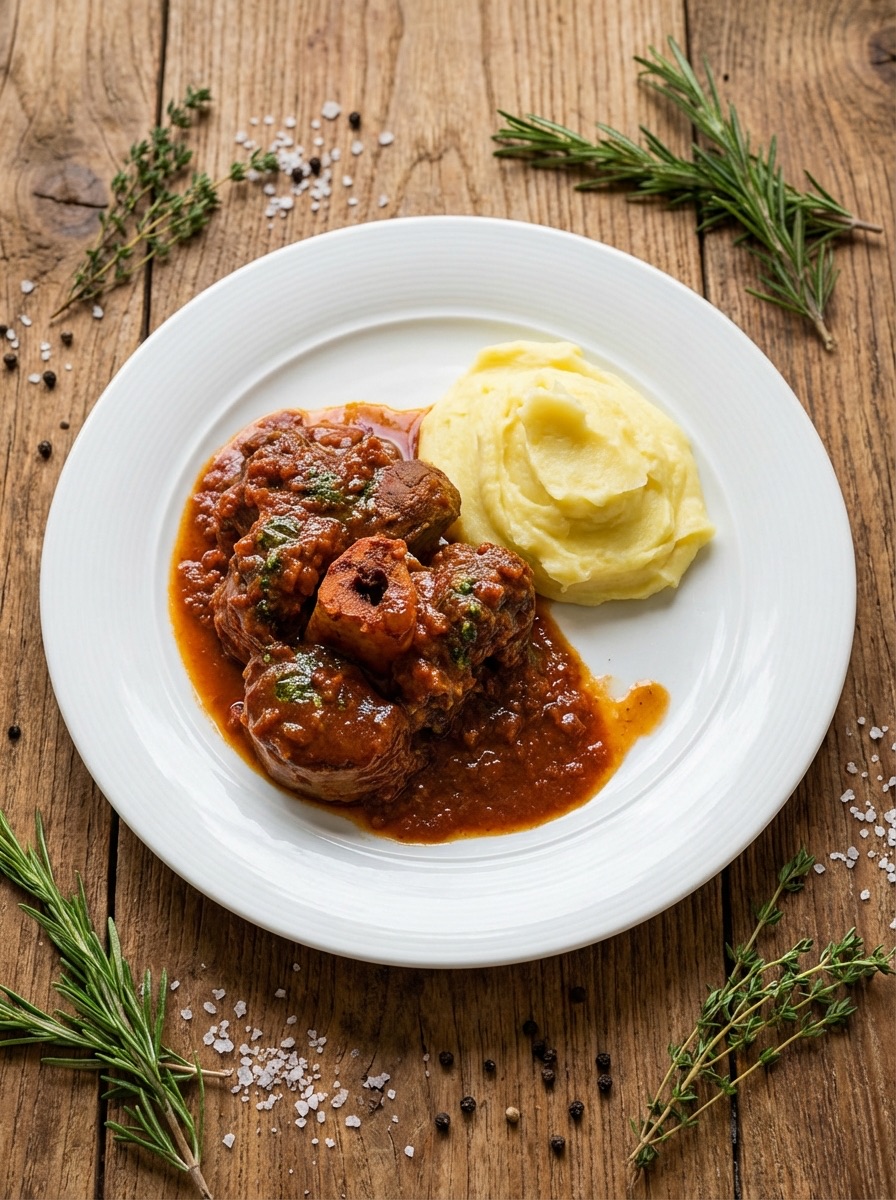
Your phone photo in. A professional photo out.
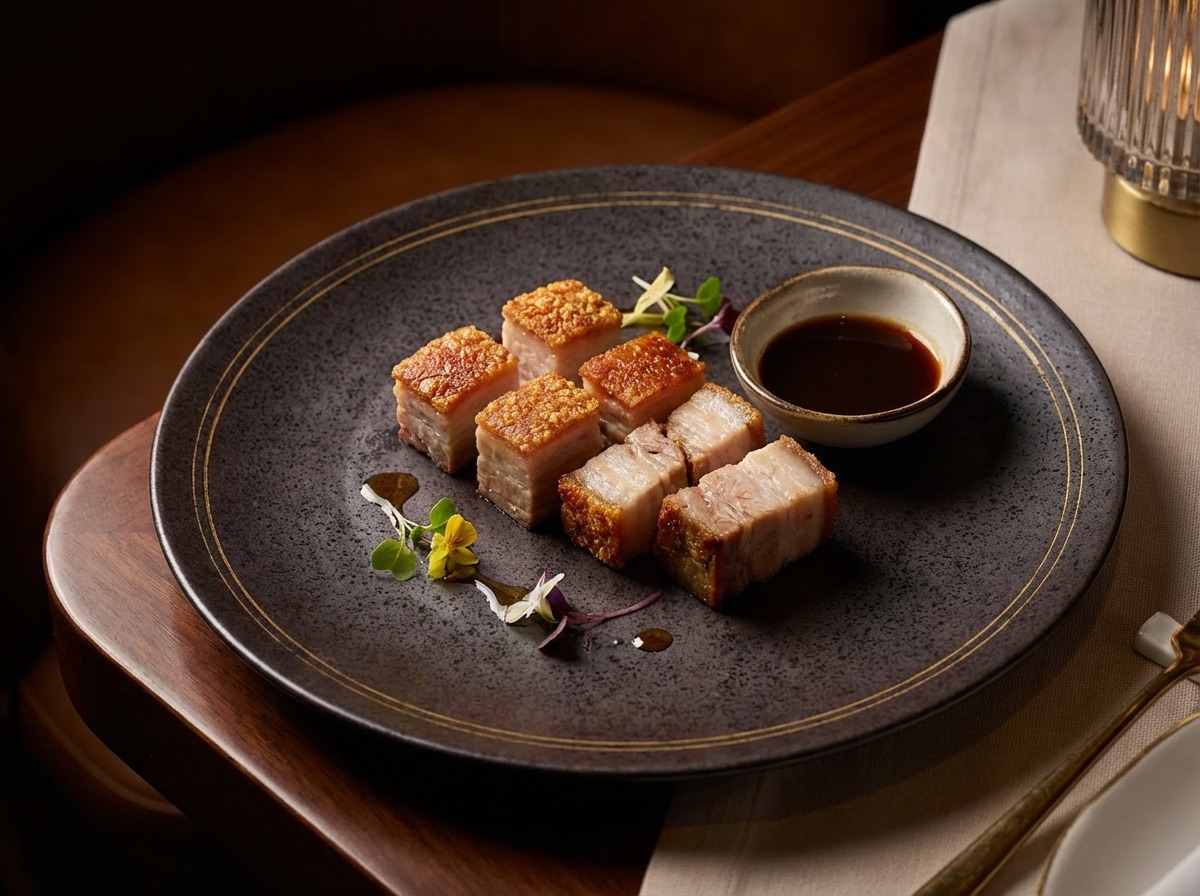
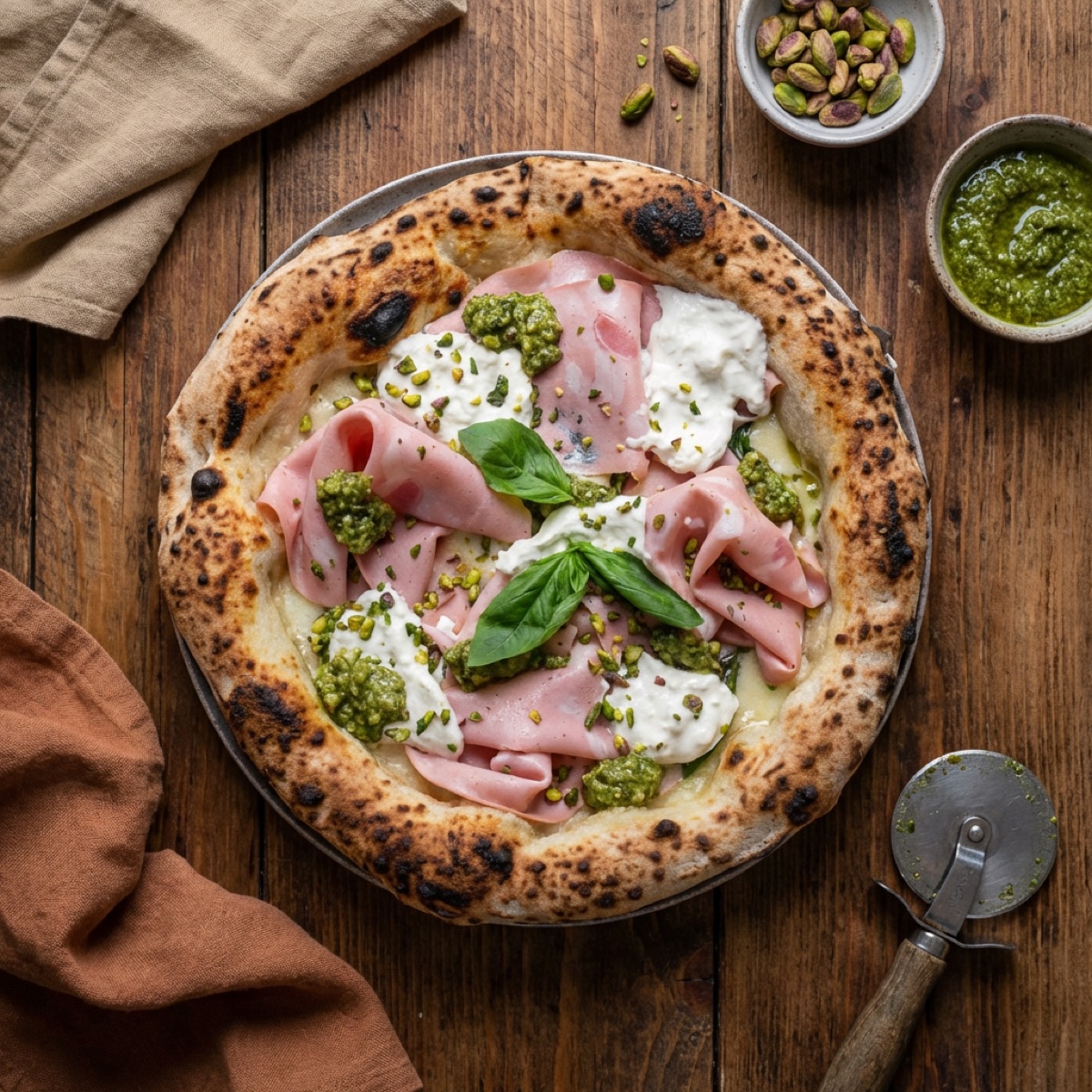
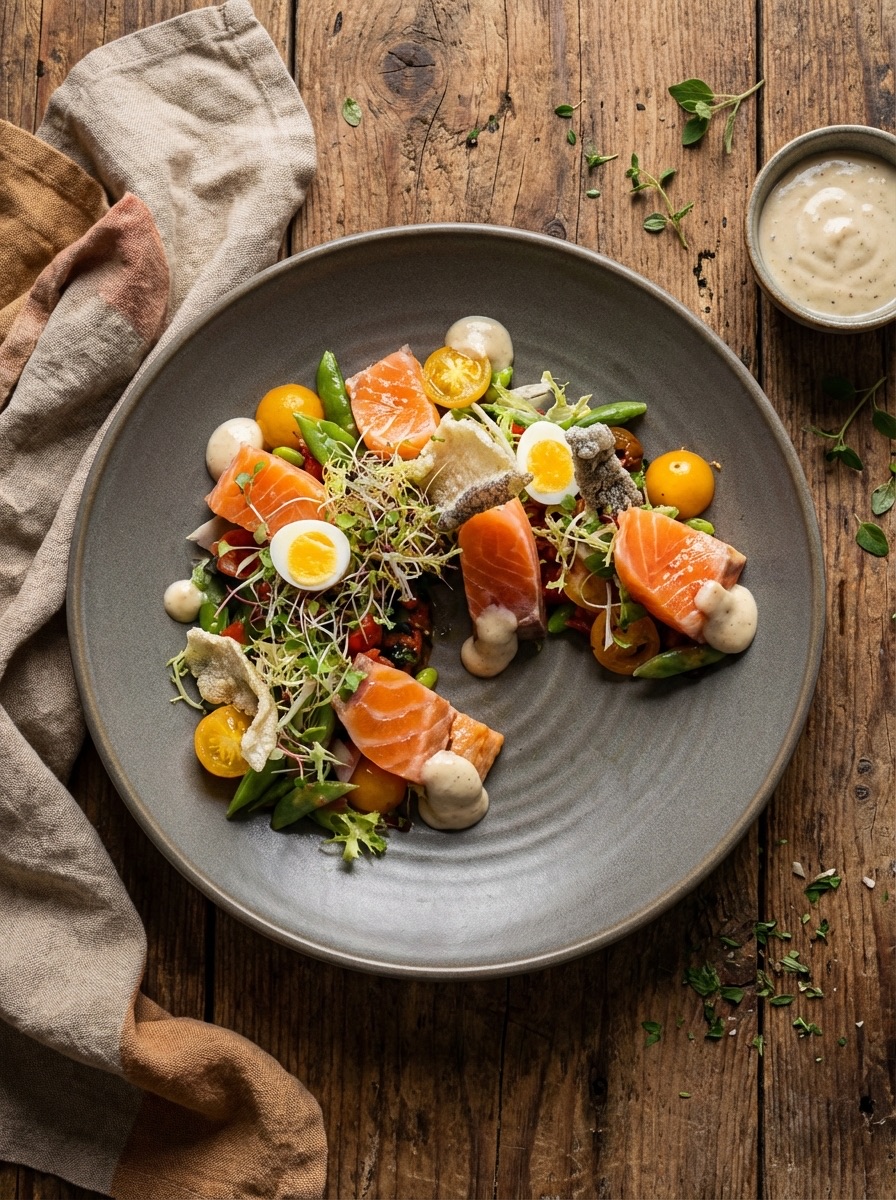
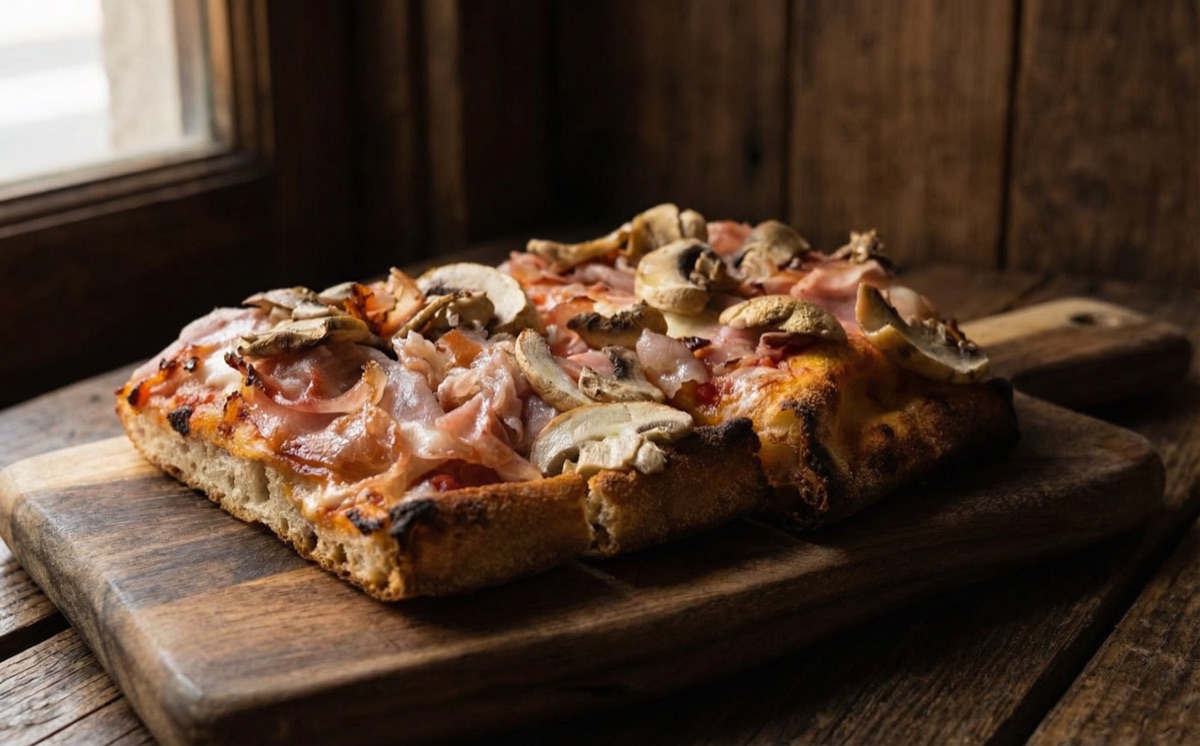
Upload a photo of your dish. Pick a style. In about one minute the AI gives it better light, a new table and a clean background. It keeps your dish. It is in every plan, even the free one.
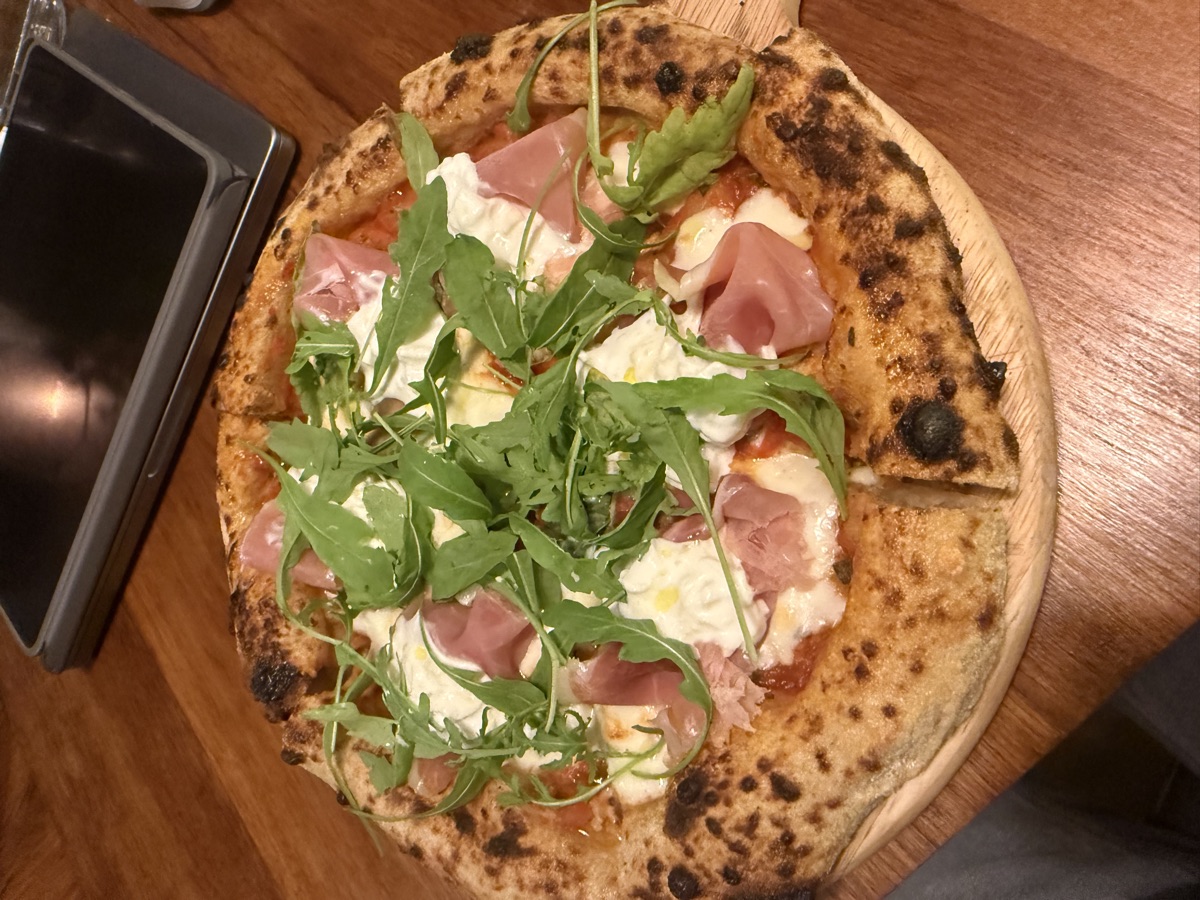 phone
phone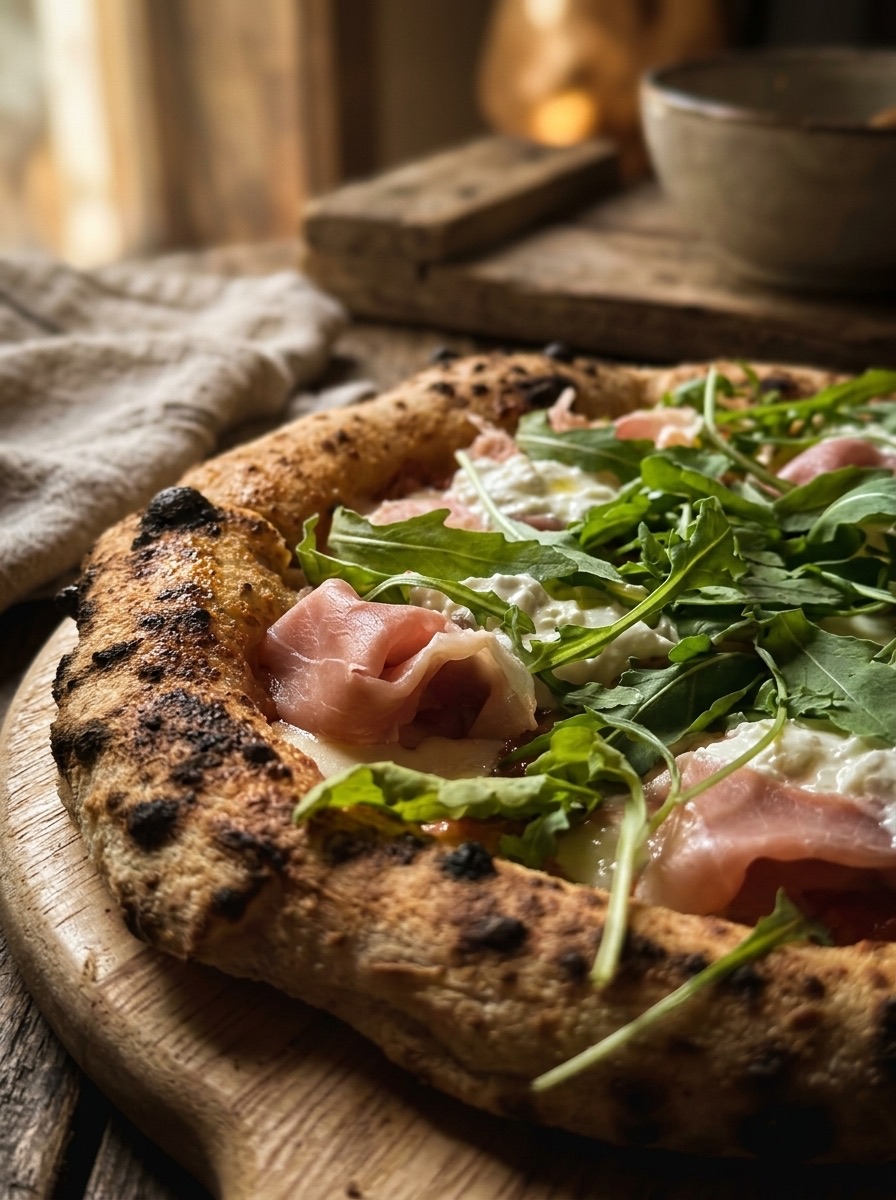 your menu
Your phone photo, made professional
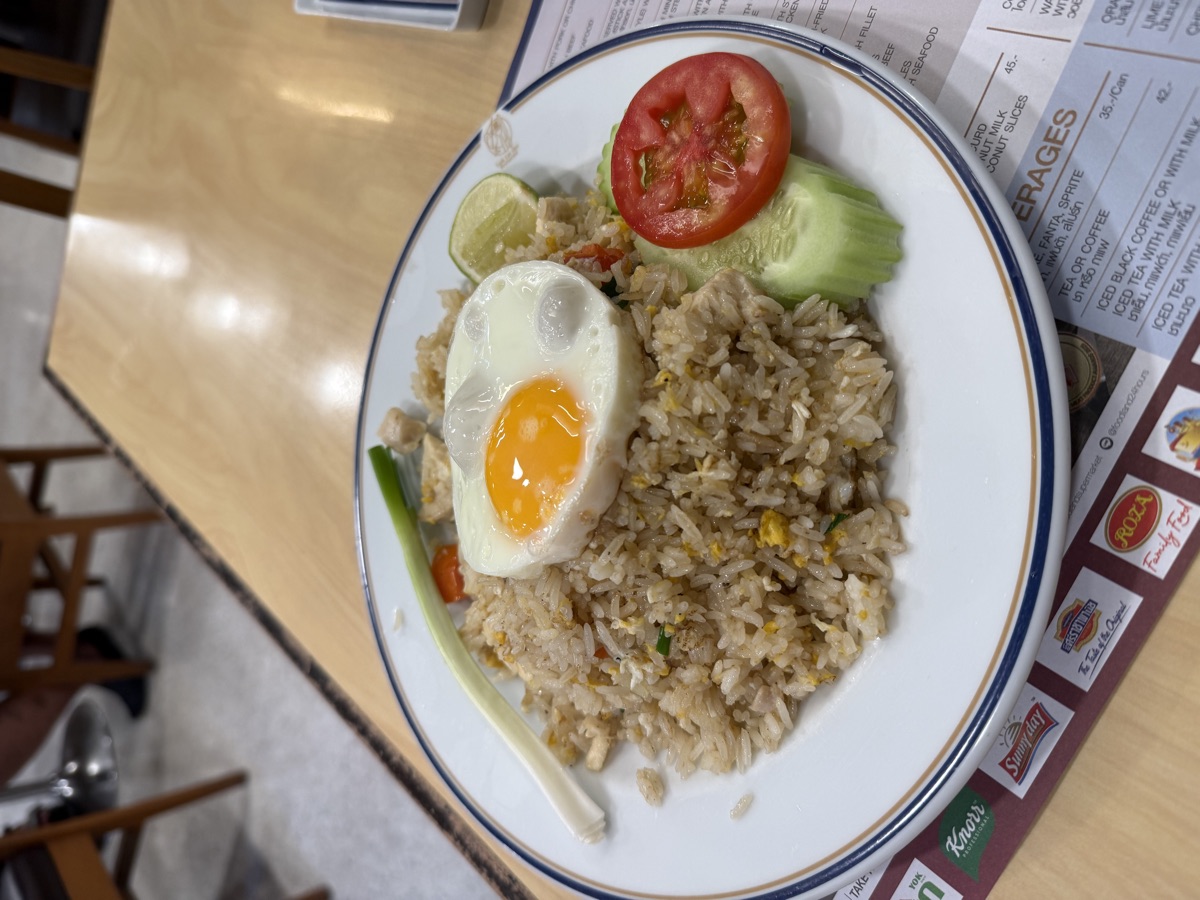
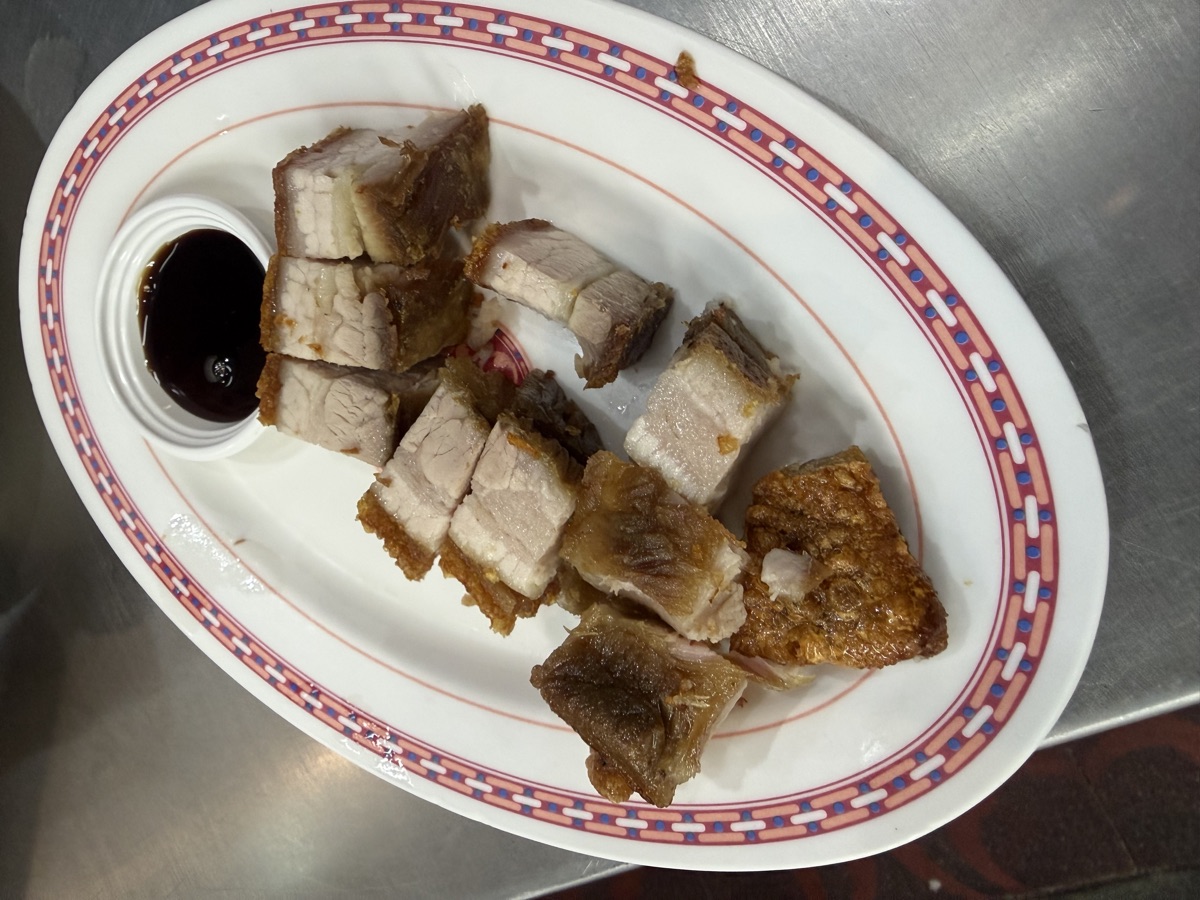
Upload the photo you took in the kitchen. It comes back with better light and a clean background. It is the same plate, not a stock photo.
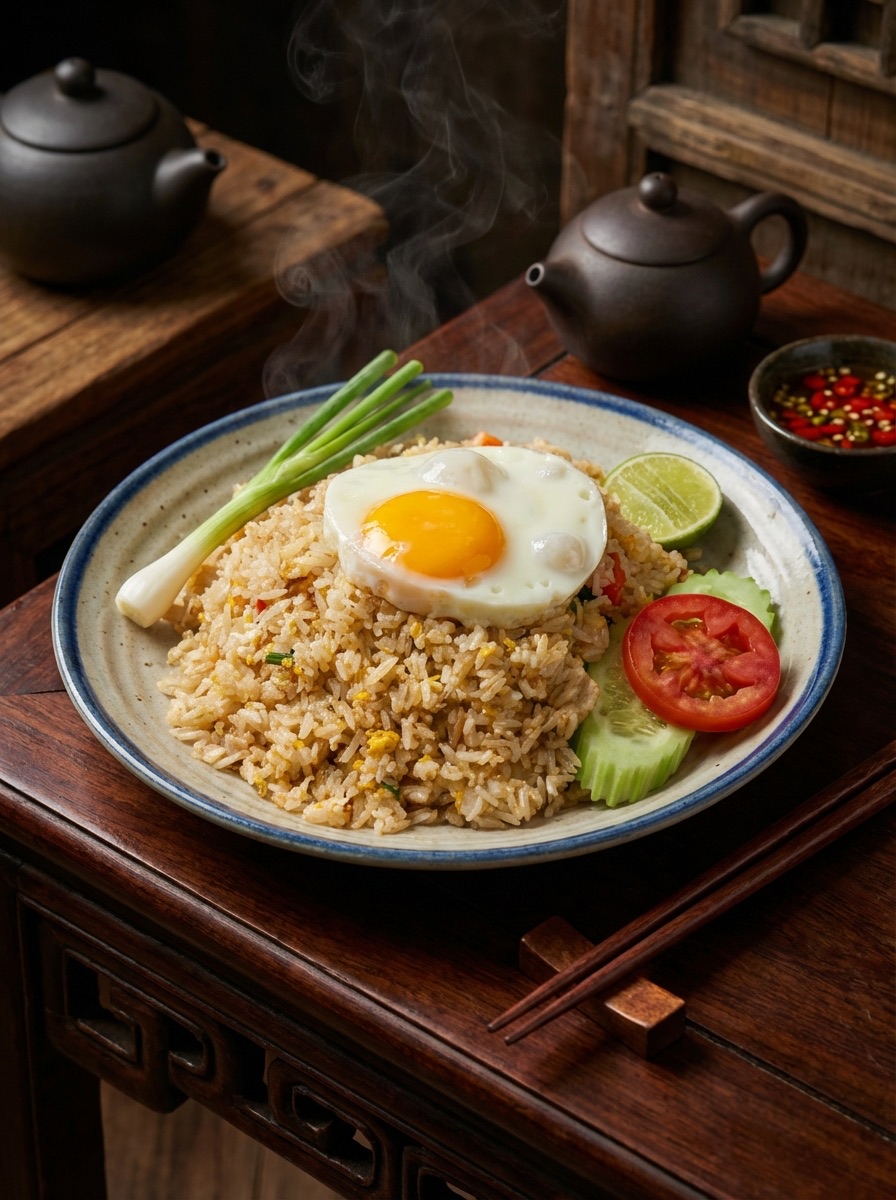
No photo? Make one from the name
In the dish editor, the AI can make a photo from the dish name and what is in it. You check it before guests see it.
More than 30 ready styles
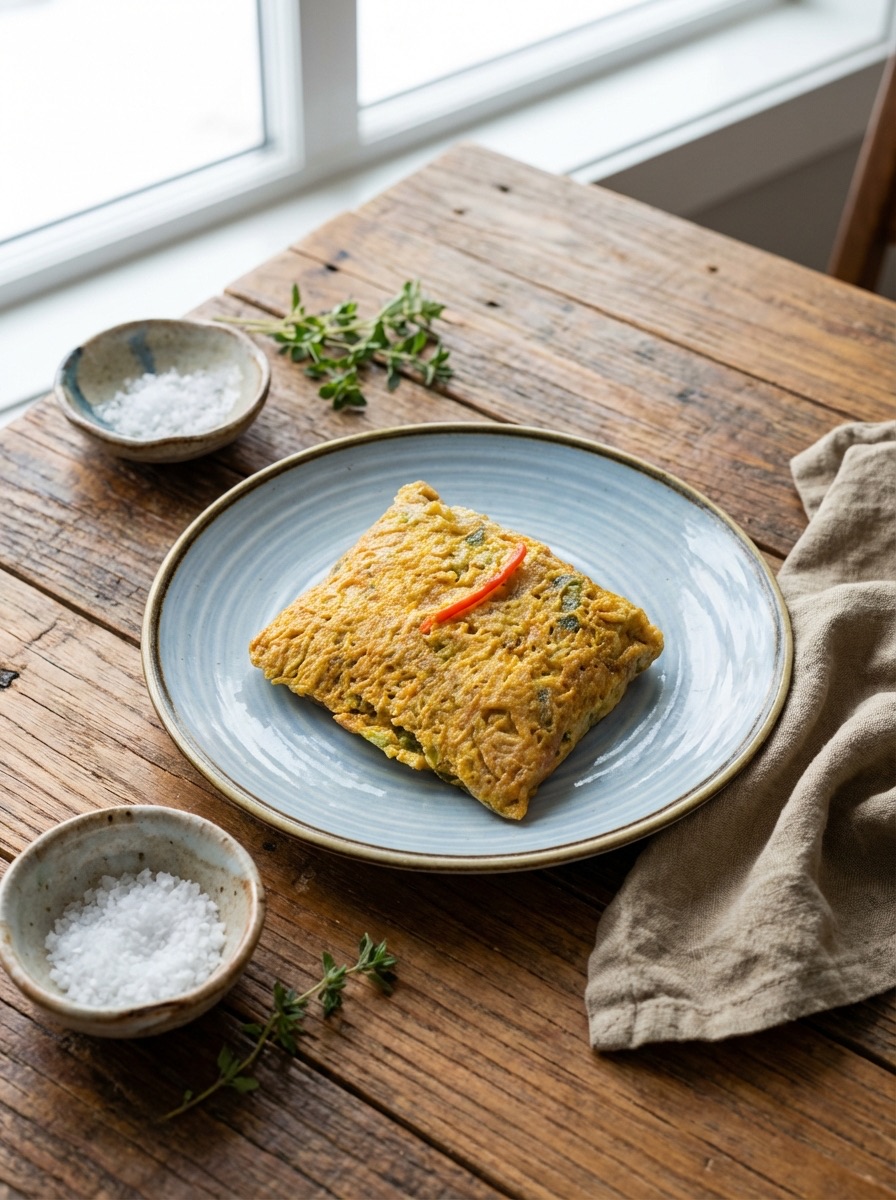
Styles for street food, fine dining, wine, cocktails and coffee. Pick the one that looks like your place.
Your own style, made by Dani
Tell Dani, our AI designer, how your place looks. Dani makes a style just for you. Nothing is saved until you say yes.
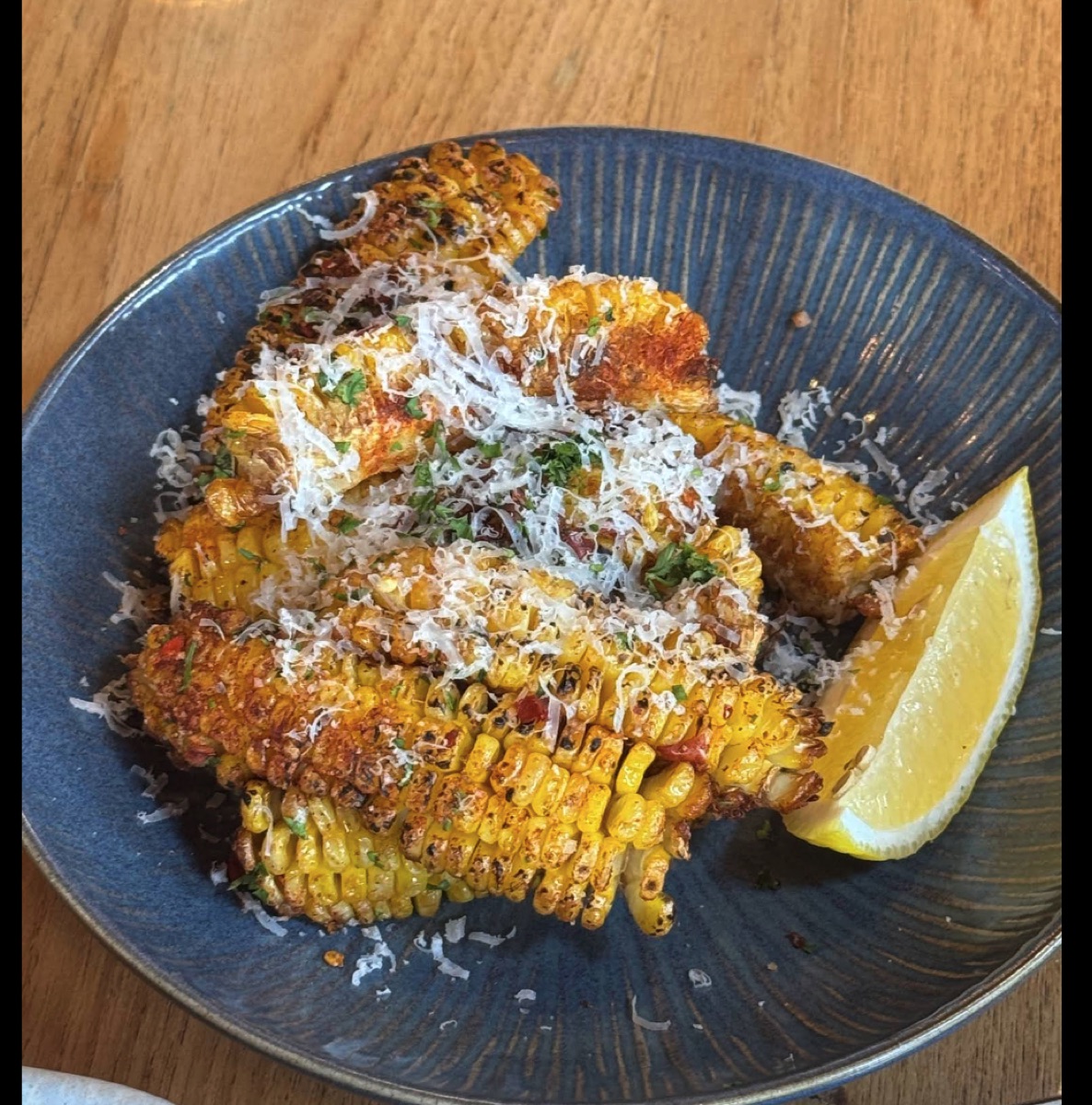
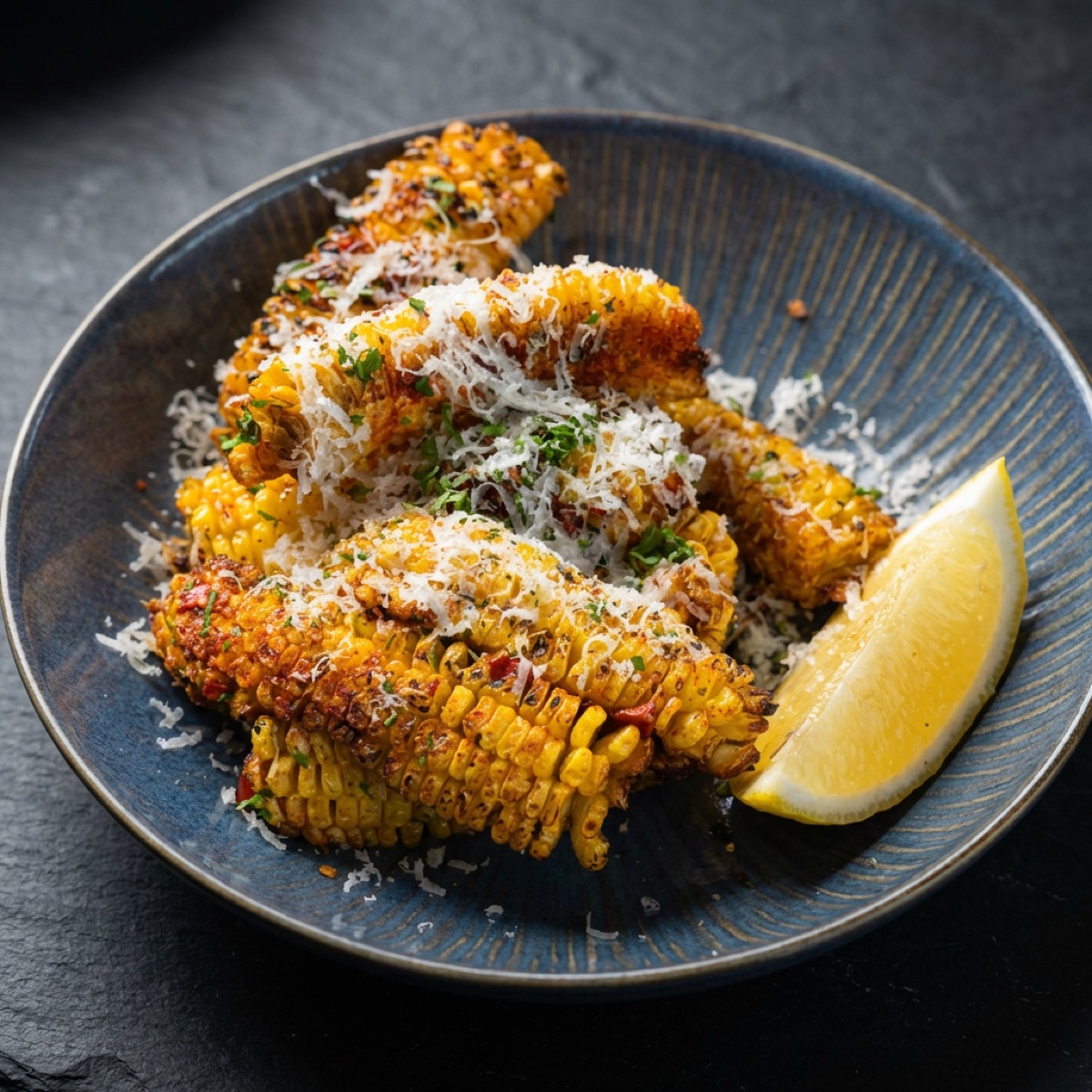
Change it with a short note
Not happy? Write "darker background" or "white plate". You get a new photo. The old one stays.
Nothing goes out without your yes
You see every new photo first. You keep it, change it or delete it. Nothing goes on your menu without your yes.
What changes
Phone photos, or no photos
- Forty dishes and six photos. Each one has different light.
- A photographer costs a day. Next season the menu is new again.
- The new special has no photo. Few guests order it.
- Your menu and your Instagram look like many different places.
- You never make a new photo, because that means a new photographer.
With the Photo Studio
- A phone photo from the kitchen comes back looking professional.
- Tonight's special has a good photo before service starts.
- Use one style for every dish. The menu looks like one photographer made it.
- A dish with no photo can get one made from its name.
- Not happy? Write a short note. You get a new photo.
How it works
The dish is real. The photo is of that dish. The studio changes the light, the table and the background.
- 01
Take the photo in the kitchen
Use your phone. It does not need to be a good photo. It needs to be the real plate you serve.
- 02
Pick a style
Warm wood, white marble, dark and moody, and more. Use the same style for every dish. Then the menu looks like one set.
- 03
It comes back in about a minute
Same plate, same food. Better light, a clean background, soft shadows. Most photos take 10 to 60 seconds.
- 04
Or make your own style
Tell Dani how your place looks: marble tables, low light, white linen. Dani makes your own style. Nothing is saved until you say yes.
- 05
Every photo stays in your gallery
Each new photo is saved in the studio gallery. Download it for your menu, Instagram or a flyer. The old versions stay too.
- 06
Or send it from Telegram
Send a photo to the bot from the kitchen. The new photo comes back in about a minute. Save it to a dish. You choose when guests see it.
Which plan it comes with
The studio is in every plan, even the free one. Each photo uses AI credits. Every plan has credits each month.
Try about 2 photos. See what the AI does with your food.
Up to about 25 photos a month. Your own web address for the menu.
Up to about 125 photos a month. Plus the numbers that show which dishes guests open.
- A food photographer for one day, for a menu that changes next season.
- A new photo shoot each time you add a special.
- Stock photos of food you do not serve.
The same AI credits also pay for the other AI tools. See real before and after photos on the Photo Studio page.
AI Photo Studio — live tonight.
No card, no setup call. Start free and the agents pick it up on their next shift.